Edit any photo by just chatting
Remove backgrounds, transfer styles, retouch portraits — describe what you want and watch AI do it in seconds.
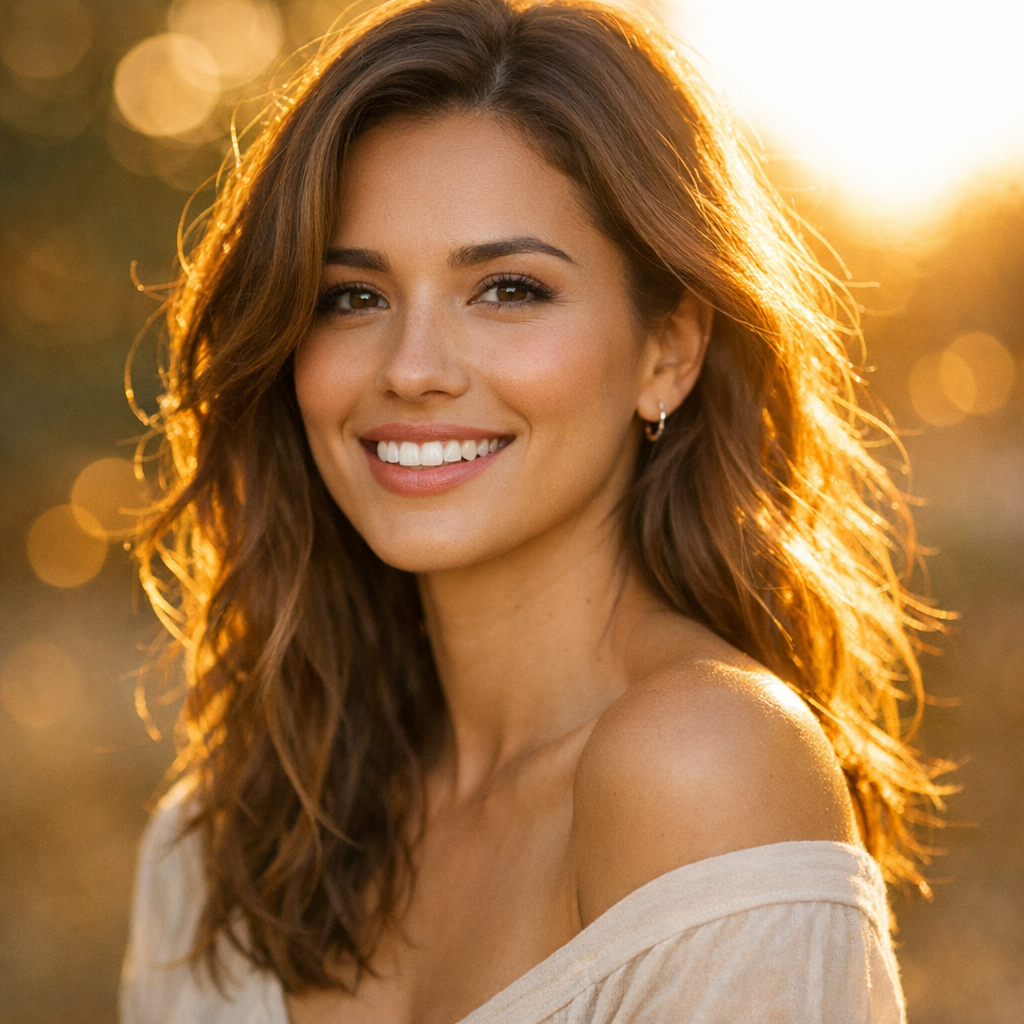
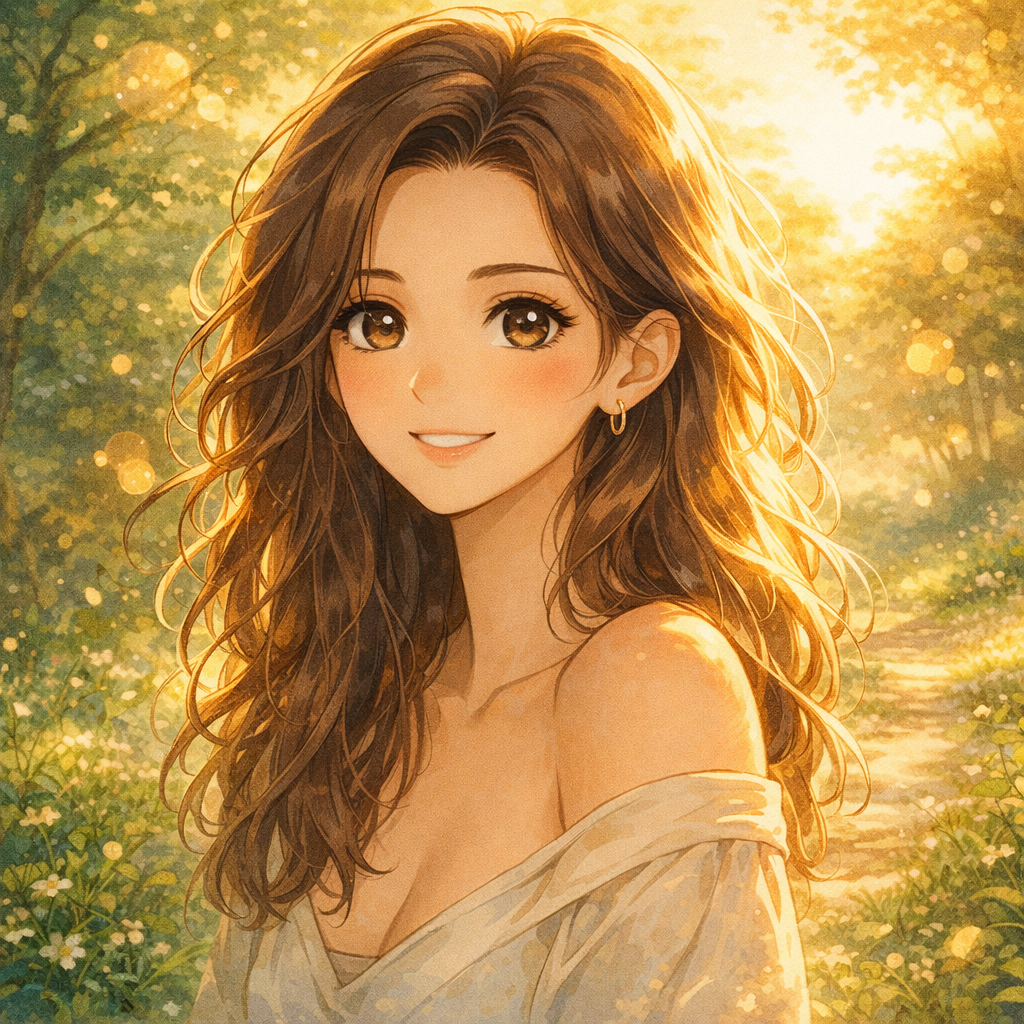
Just type: “Make this studio ghibli”
0+
Images created
7
AI models
4.9★
User rating
Three steps. Zero complexity.
No Photoshop. No plugins. No learning curve.
Upload your photo
Drop an image or start from scratch with a text prompt. PNG, JPG, WebP — all welcome.
Tell us what you want
"Remove the background", "Make it look like a watercolor", "Retouch my portrait" — just type.
Download your result
Get your edited image in seconds. Save it, share a link, or keep refining.
As simple as sending a message
No menus. No tools to learn. Describe what you want and get your result.
Make this look like a Ghibli movie 🍃
✨ Done — here's the Studio Ghibli version!
One click to transform your photos
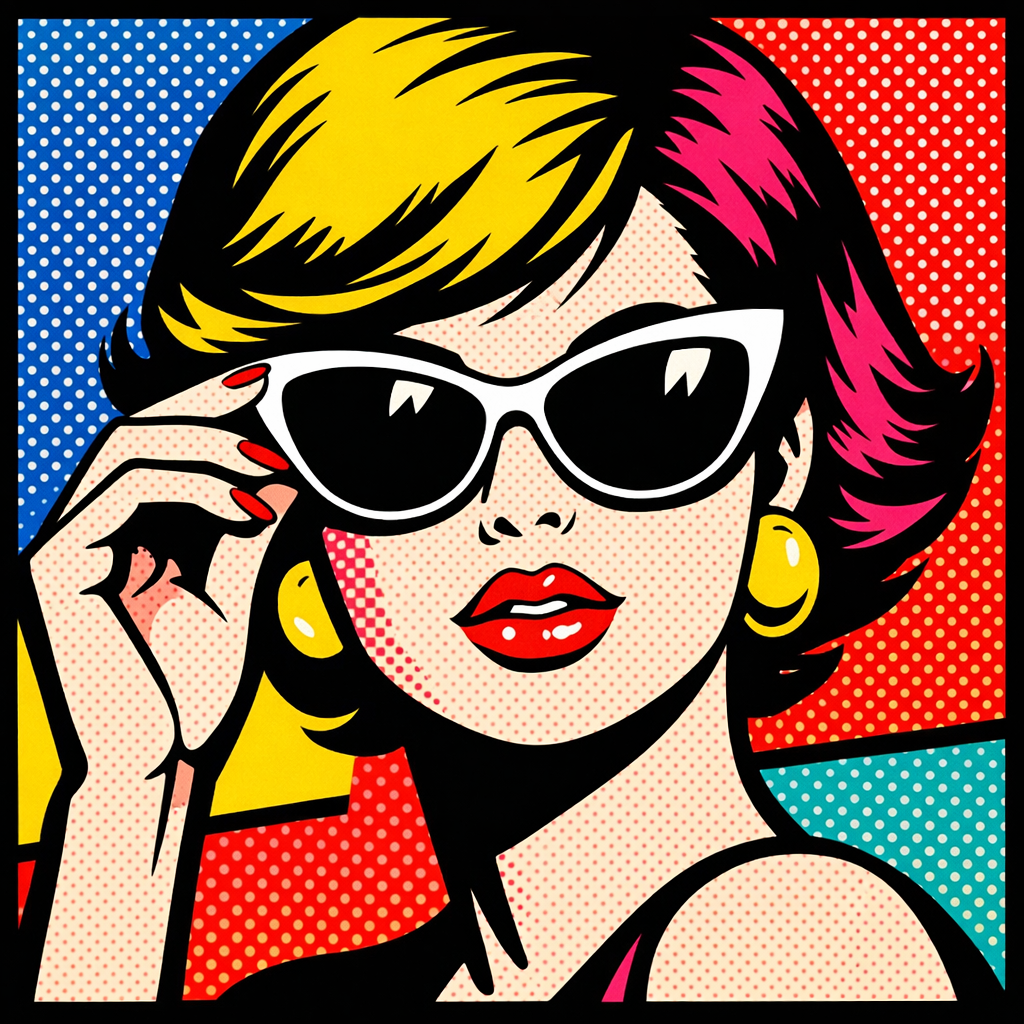
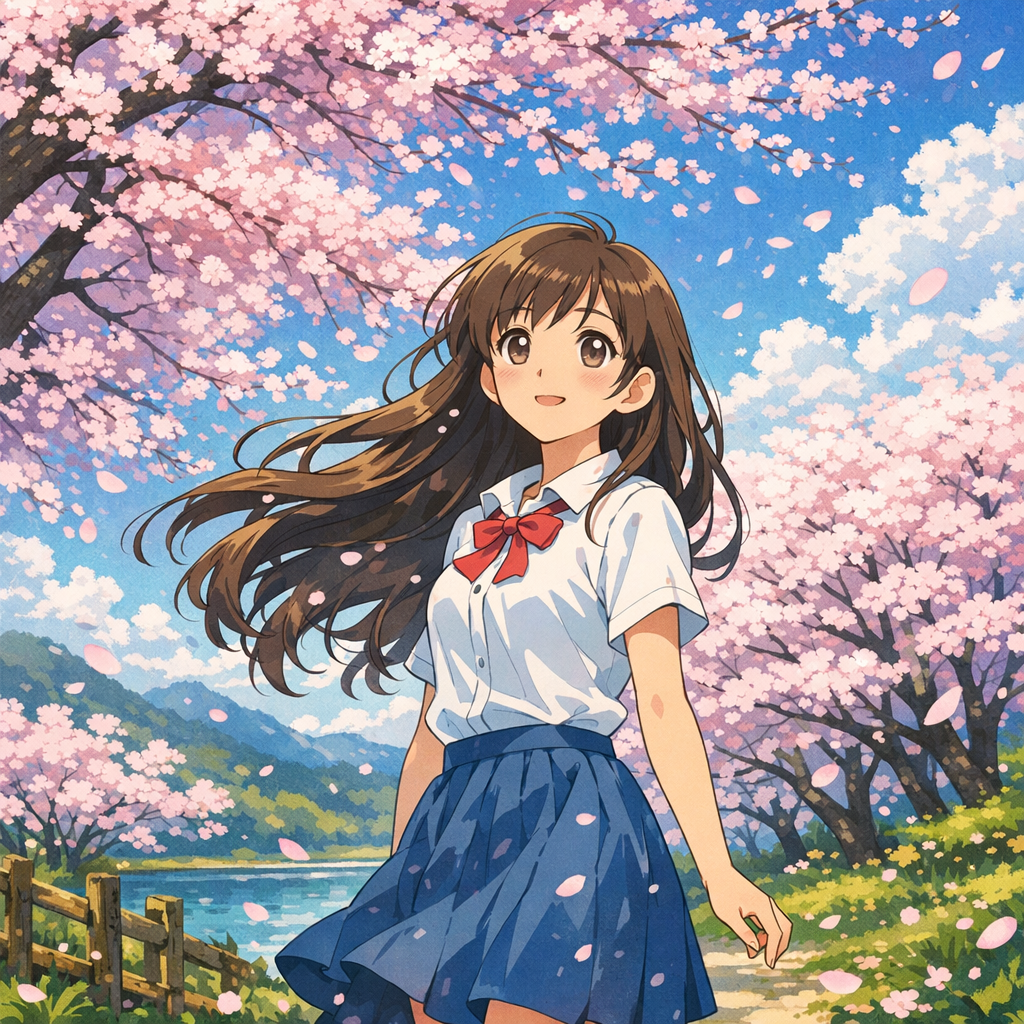
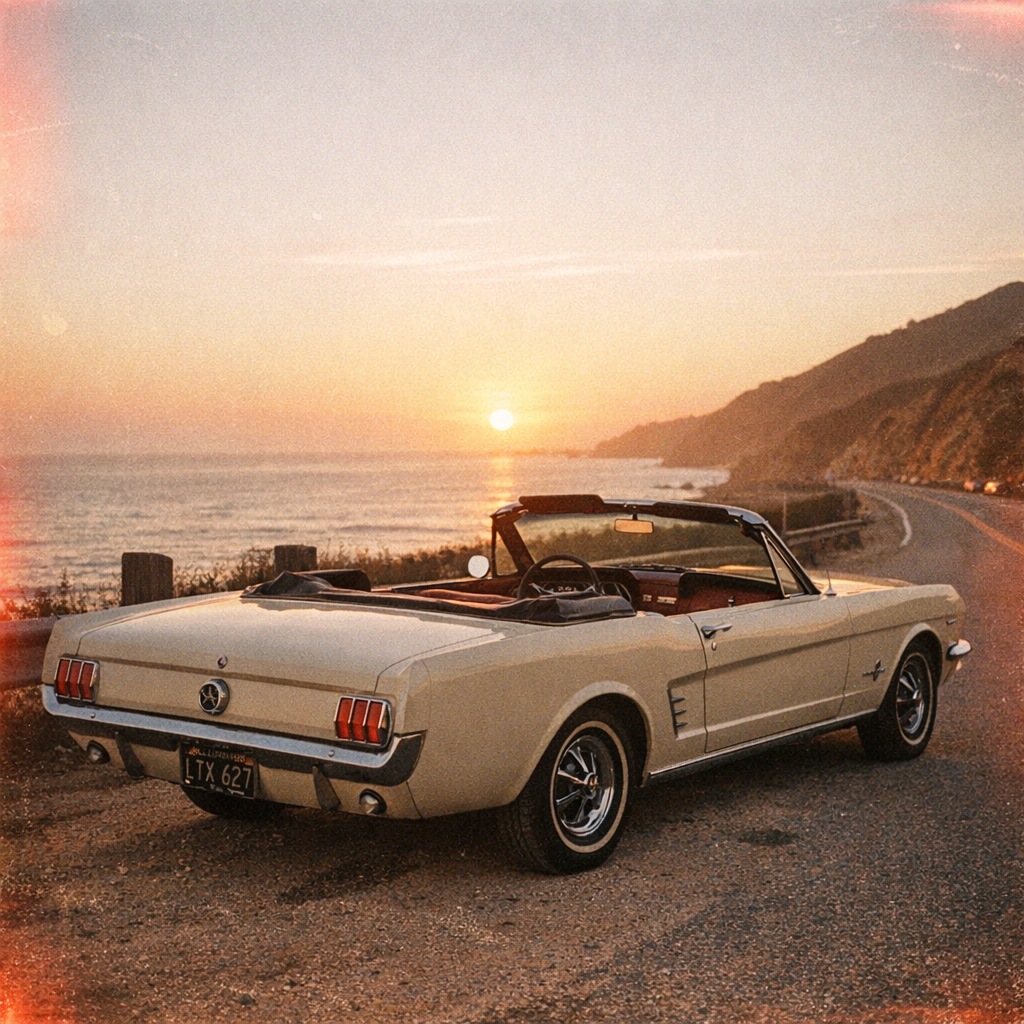
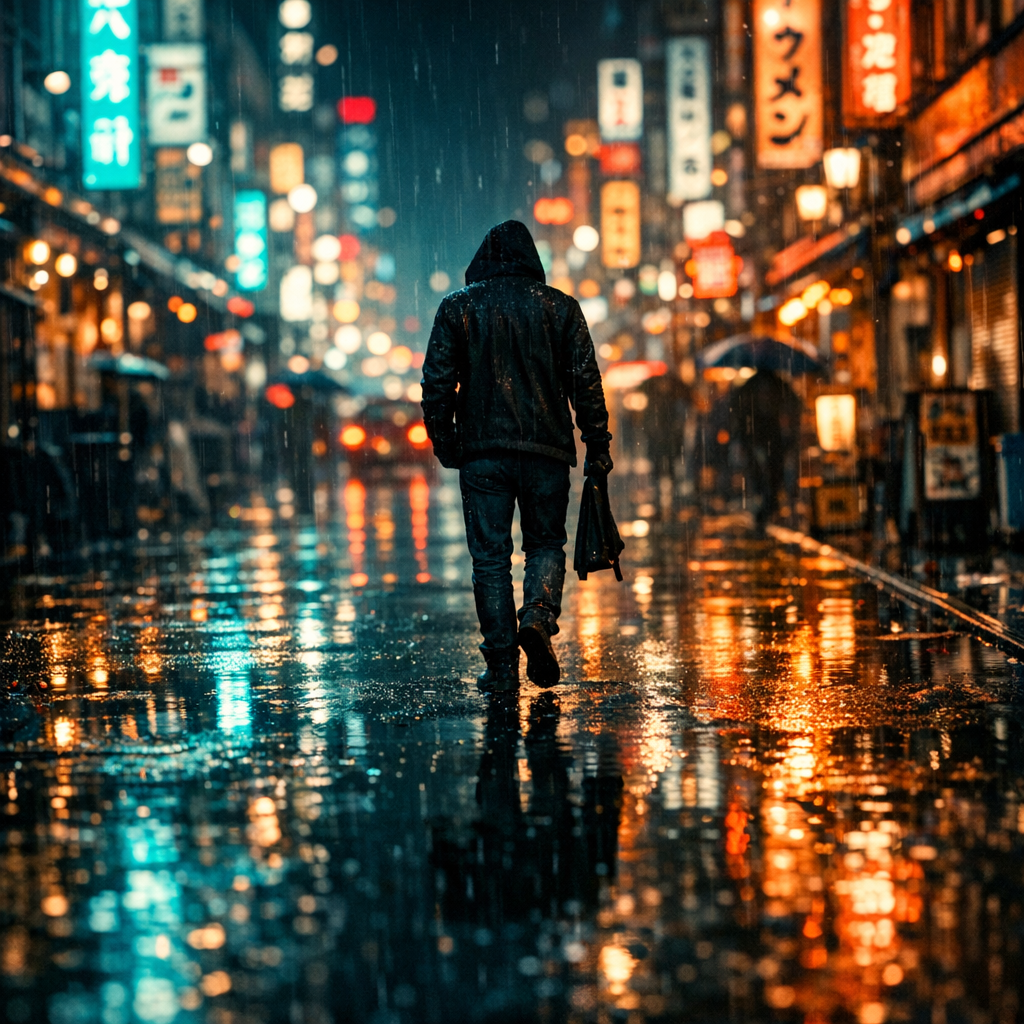
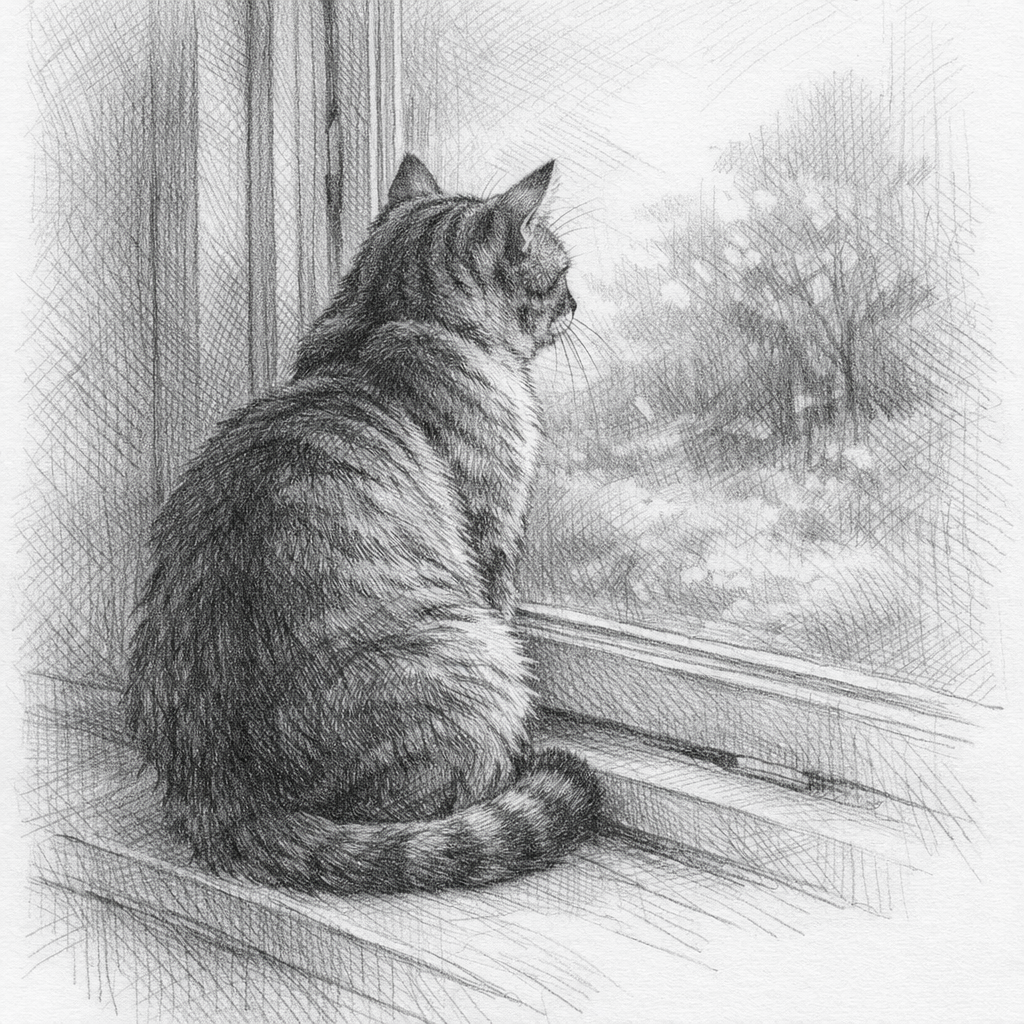
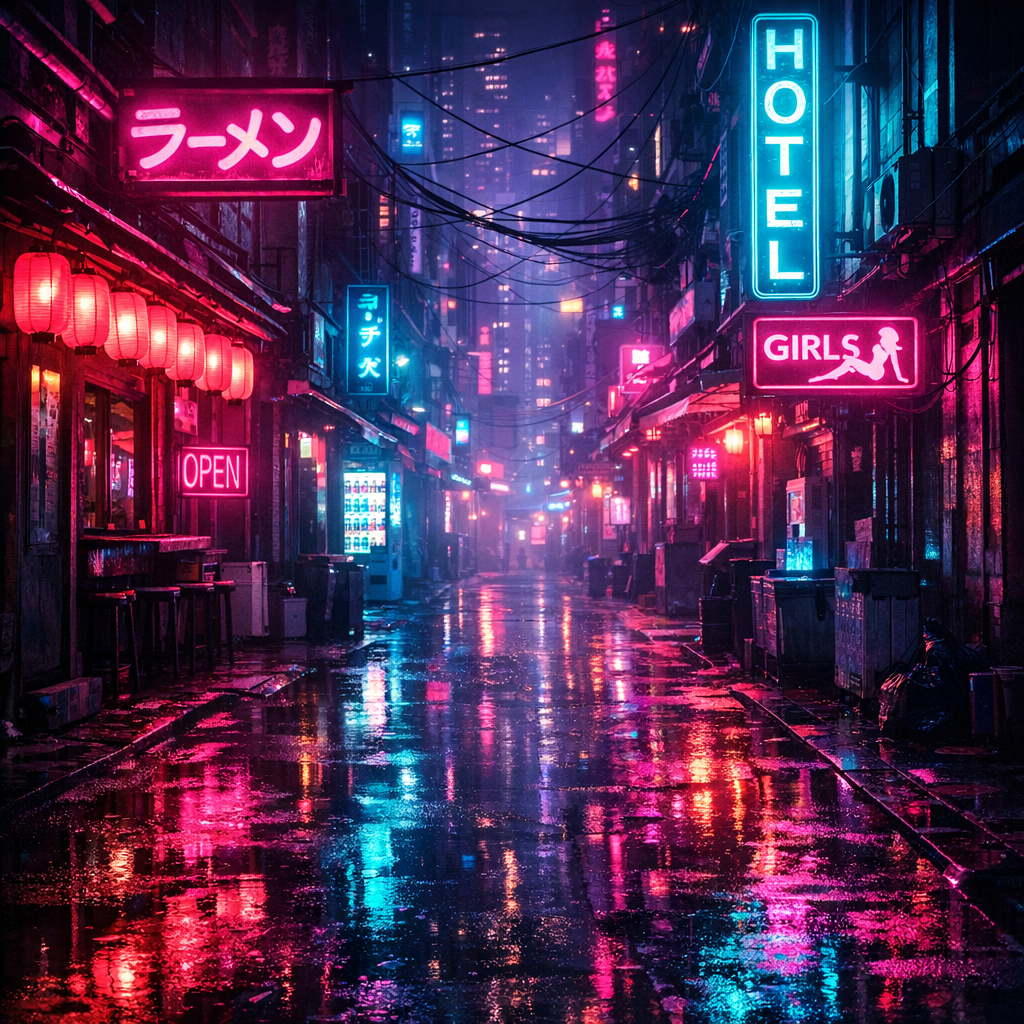
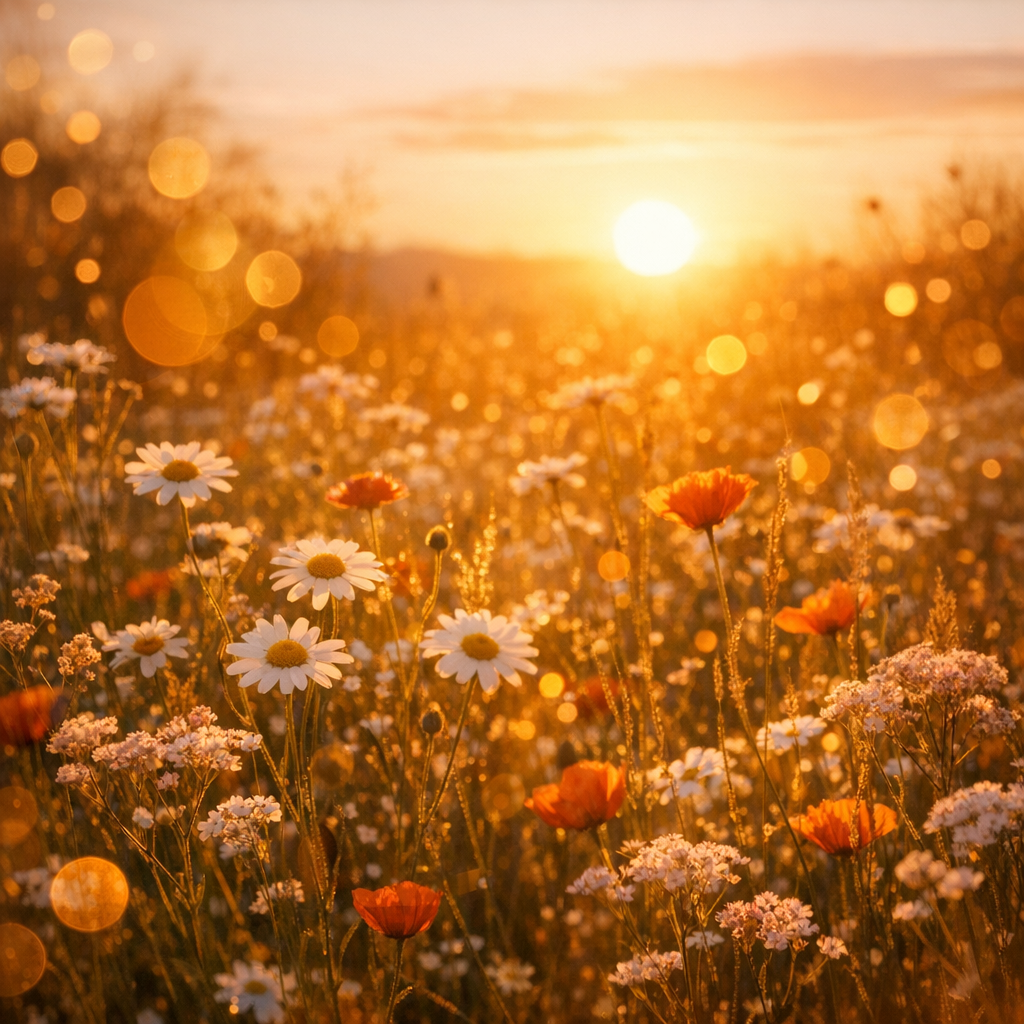
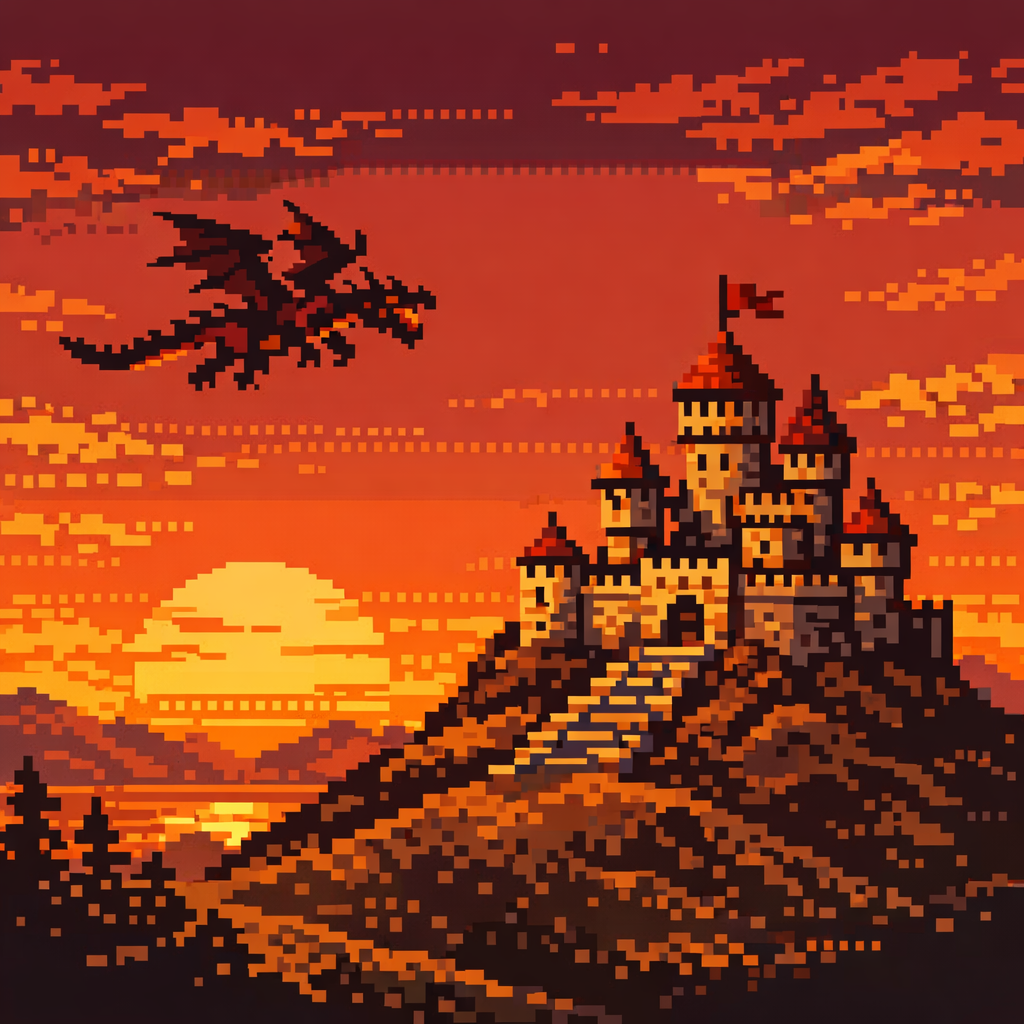
Pick a style and watch AI reimagine your image. From watercolors to cyberpunk — every style is one message away.
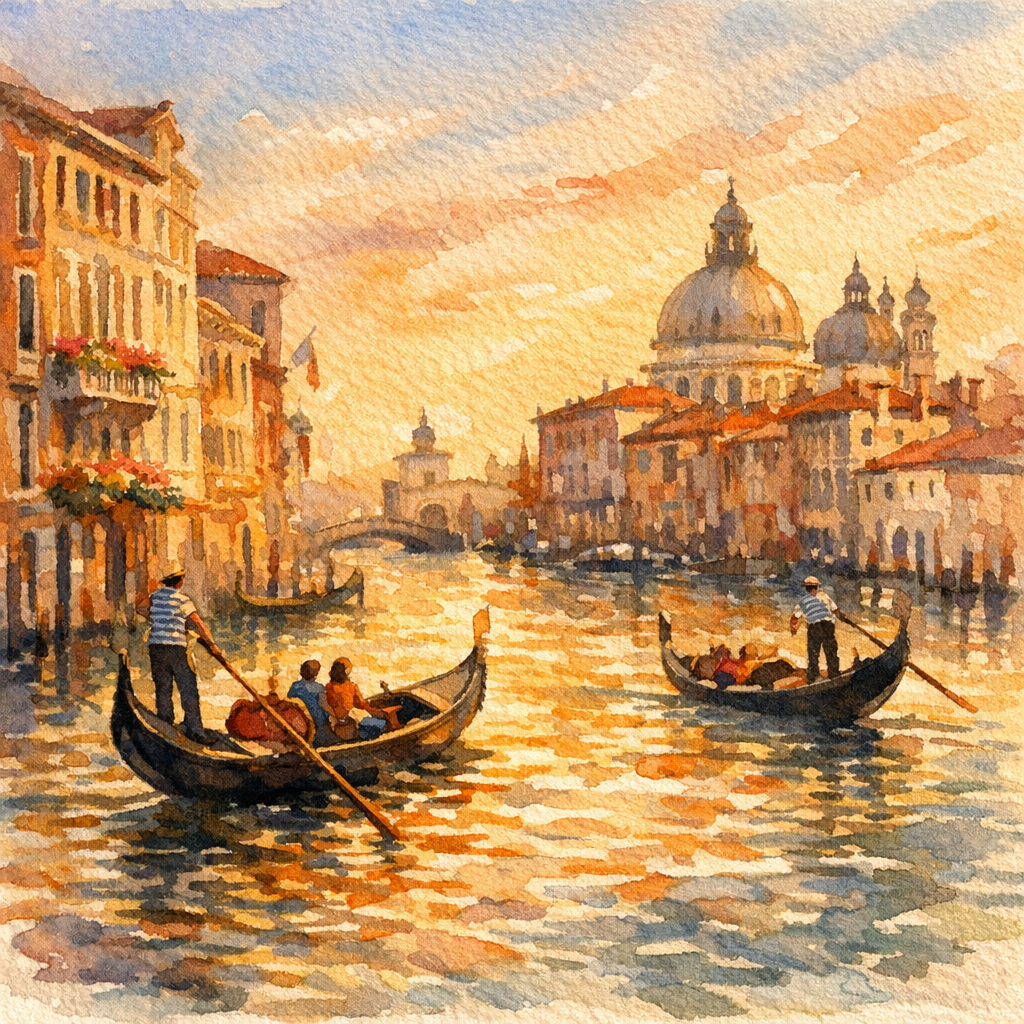
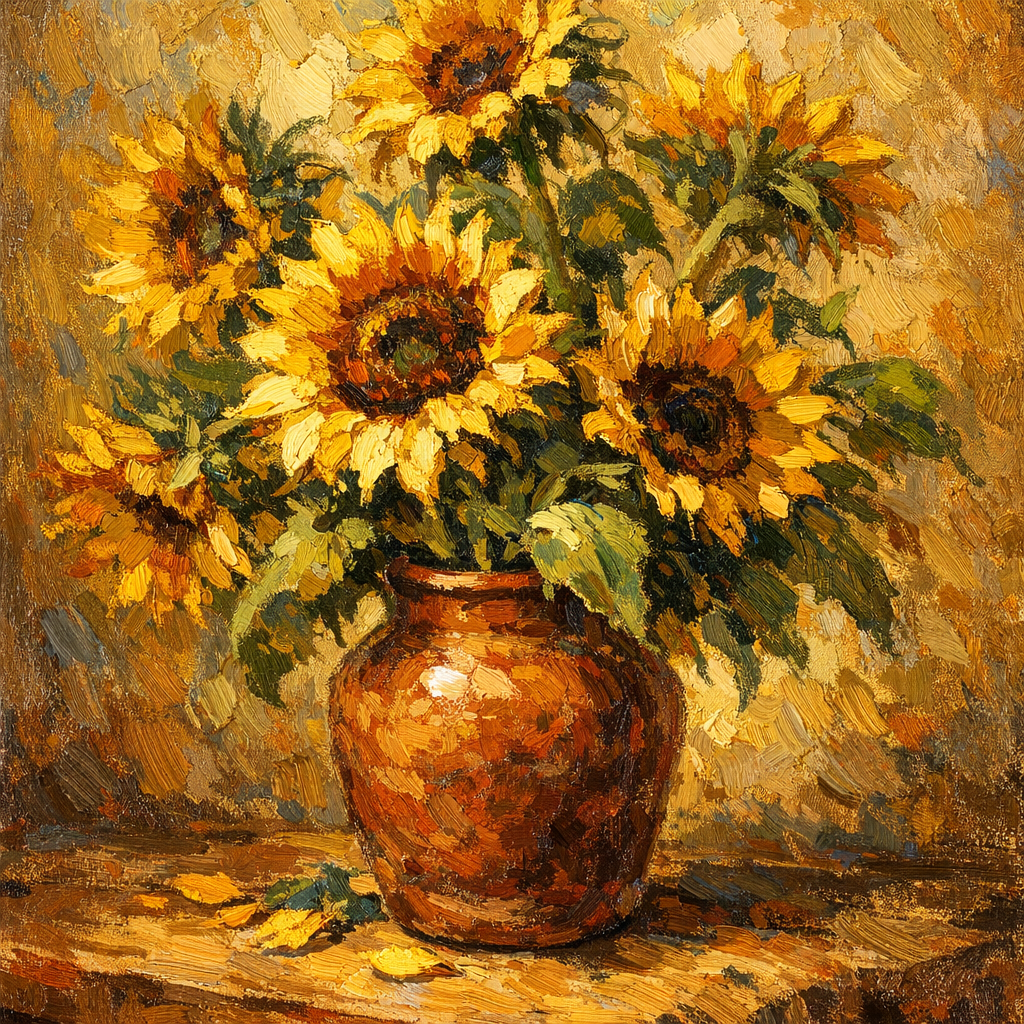
Everything you need. Nothing you don't.
Background removal
Clean cutouts in one message. No manual masking.
Style transfer
Watercolor, oil painting, anime — 10+ artistic styles.
Portrait retouch
Smooth skin, fix lighting, enhance eyes. Natural results.
Color correction
Fix white balance, boost warmth, adjust vibrancy.
Add & remove objects
"Add a sunset sky" or "remove that person" — done.
AI generation
No photo? Describe what you want and we'll create it.
Start free. Scale when ready.
Get 5 free credits to try every feature. Then choose a plan that fits your creative flow — starting at just $5.
Ready to create
something amazing?
Join thousands of creators editing photos the easy way.
Start for Free